
How to Scan QR Codes Using Locations tool to Create & View Deficincies (Procore App)
Objective
To scan a location QR code to view all items associated with that location.
Steps
- Navigate to the project's Locations tool on an iOS device.
-
Tap the QR Code icon at the top right.

-
Point the camera at a Procore-generated location QR code to scan it (see example QR code below).
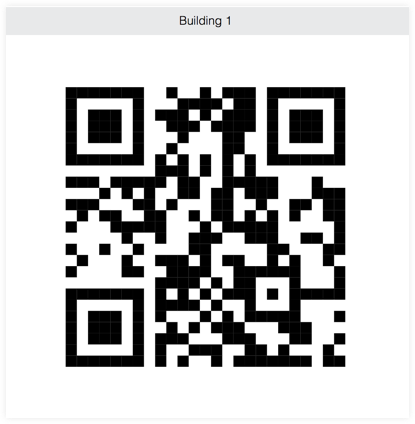
The Procore app will scan the code and redirect you to the results automatically.
-
View the items associated with the location.
Note: You can only view the items that you have permissions to view in Procore.
- The following actions are available:
- Tap the tool to see the respective items.
- Tap an item to view its details.
- Users with the appropriate permissions can create or add items for the Deficiency List tool