
How to check an amount showing on None budget code line (Procore Web)
Role
PMs
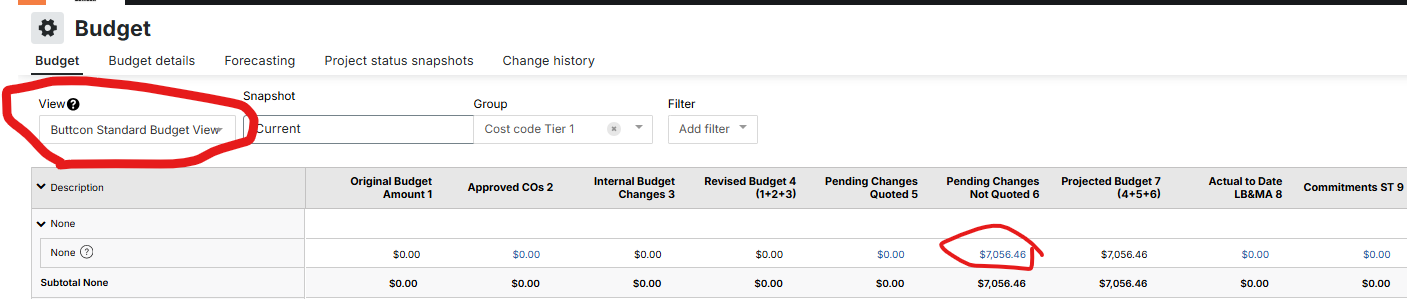
Note: amount will show on the None budget code when a change event is created without budget codes.
Steps
- Navigate to the project's Budget tool.
- Select the Buttcon Standard Budget View
- Select select the amount under Pending Changes Not Quoted
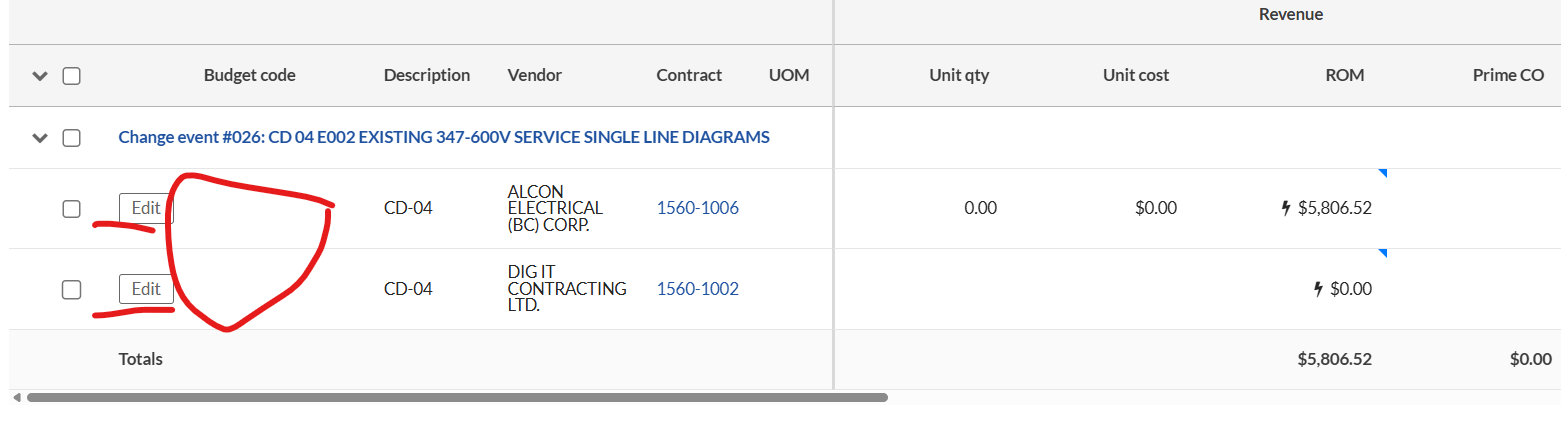
- Select a change
- Select Edit
- Add the budget code(s)
- Select Save
Once the budget codes are added to the change event(s), return to the budget and it will show zero on the None budget code.