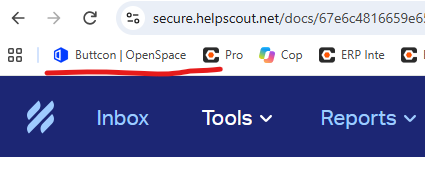
How to Bookmark a Project to Chrome Favorite Bar (OpenSpace Web)
Objective
To add a OpenSpace project page to Google Chrome favorites bar
Steps
- On your computer, open Chrome.
- Login to OpenSpace by using https://www.openspace.ai/
- Select a project
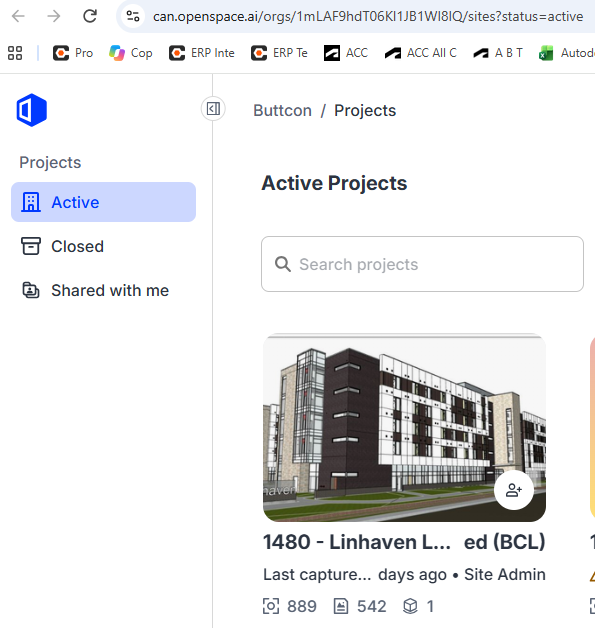
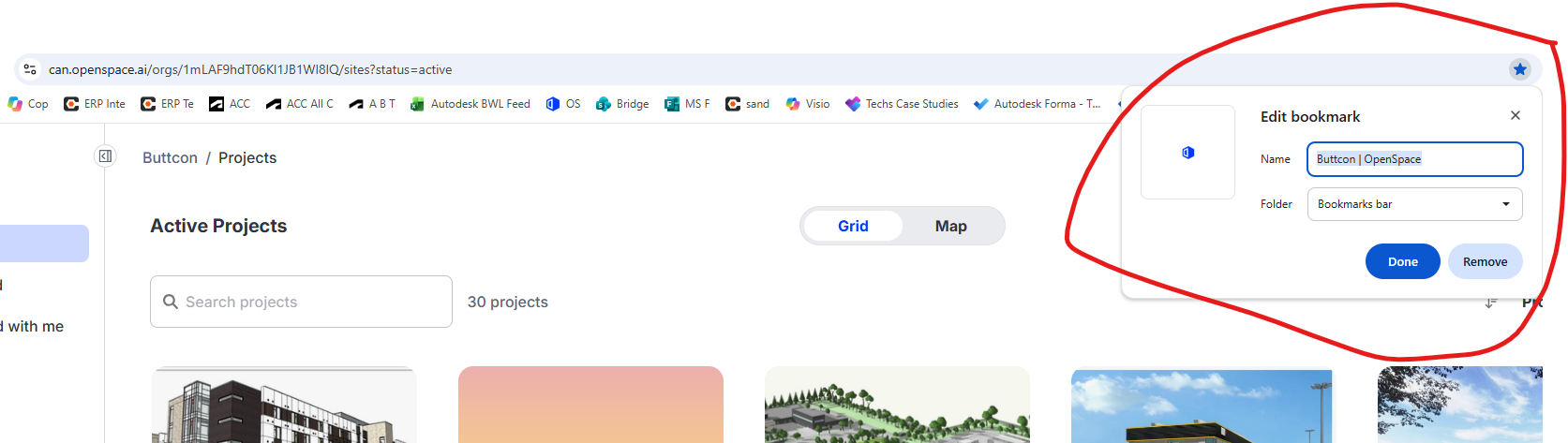
- Click Star >Name the bookmark > select Done
- To view the project that was add to favorites bar, Open new tab by selecting “+” then select the project